
Use the following query to retrieve Logpoint Agent Collector logs:
col_type = LPAgent
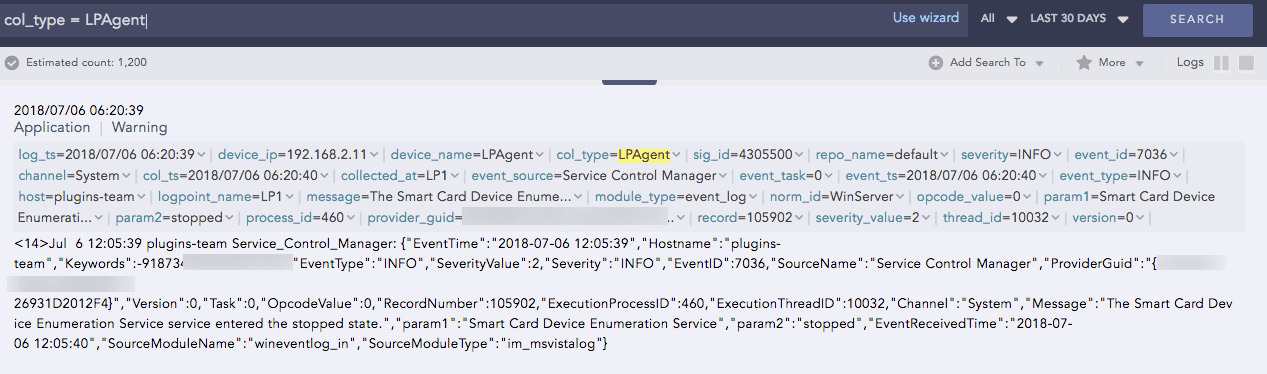
Logpoint Agent Collector Log
Use the following query to retrieve Windows Eventlog Collection logs:
col_type = LPAgent and module_type = event_log
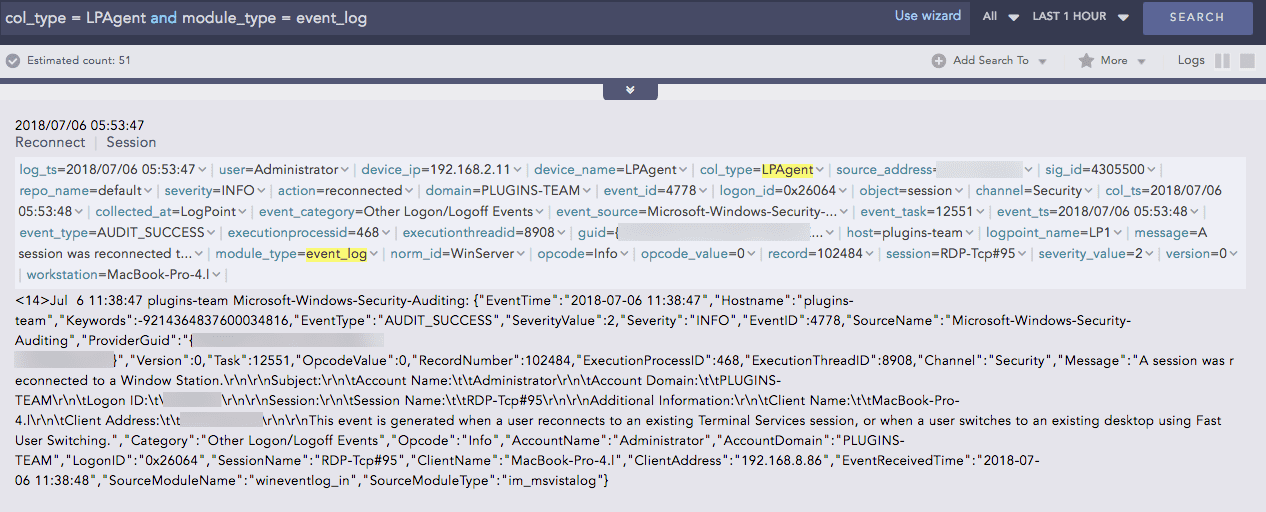
Logpoint Agent Log
Use the following query to retrieve File Collection logs:
col_type = LPAgent and module_type = file_collection
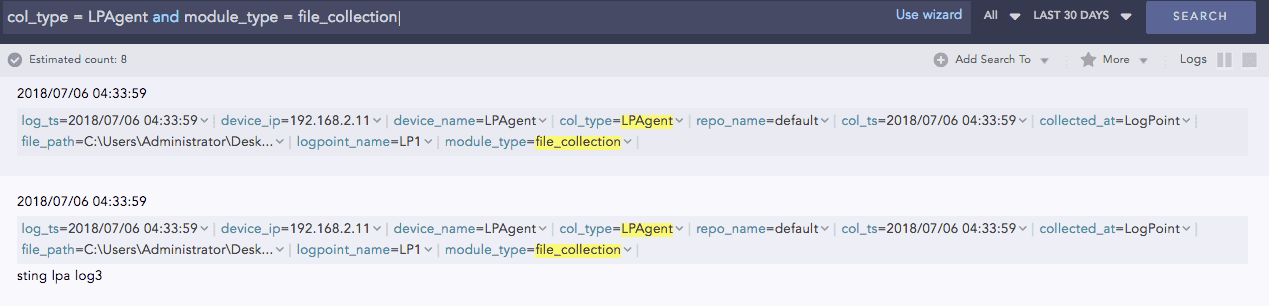
Logpoint Agent Log
Use the following query to retrieve File Integrity Scanner logs:
col_type = LPAgent and module_type = file_scanner
File integrity Scanner log examples:
Log message for creating a new directory:

Log message for deleting an existing directory:

Log message for creating a file:

Log message for changing the content of an existing file:

Log message for renaming the existing file:

Log message for deleting an existing file:

Use the following query to retrieve Windows Registry Scanner logs:
col_type = LPAgent and module_type = registry_scanner
Windows Registry Scanner log examples:
Log message for changing a Windows registry:

Log message for the deletion of a Windows registry:
